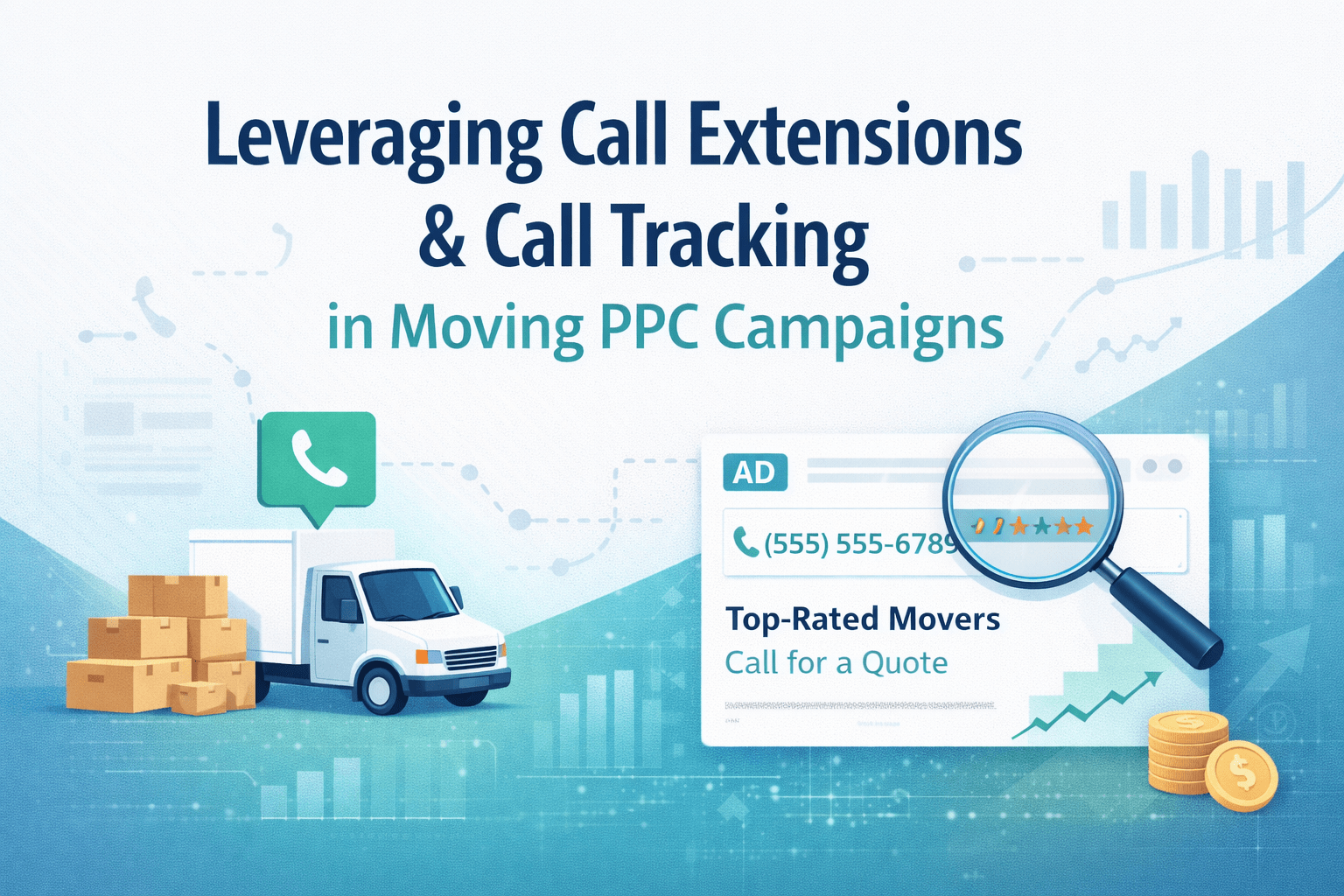
Leveraging Call Extensions & Call Tracking in Moving PPC Campaigns
In moving PPC, the best lead is often the one you never see in a form submission. It’s the phone call from a customer who needs a mover fast, has a clear move date, and wants to book with whoever sounds most professional. That’s why call-focused PPC, especially for local movers—can outperform “click to quote” campaigns when it’s set up correctly.
But here’s the problem: many moving companies run call extensions and still don’t know what they’re getting. They can’t tell which campaigns drive booked calls, which keywords produce time-wasters, or whether that “great month” was real performance or just luck. Without tracking, you’re managing PPC by gut feel.
At Best Moving Leads Providers, we see one major difference between movers who scale profitably with paid ads and those who constantly complain about “bad leads”: the profitable movers treat calls like a measurable conversion channel. They use call extensions to increase call volume, call tracking to understand quality, and CRM integration to improve close rates over time.
This post explains how to set up call extensions, track phone conversions properly, and connect your call data with your CRM so your campaigns optimize for booked moves—not just clicks.
Why Calls Matter More in Moving PPC Than Most Industries
Moving is a high-urgency service. Prospects often contact multiple movers within minutes. The first company to answer professionally and confidently wins more often than the company with the prettiest website.
Calls also usually signal stronger intent than a generic form fill. A caller is telling you: “I’m ready to talk logistics and pricing now.” That’s why your PPC setup should make calling easy—and your measurement should tell you which calls actually turn into revenue.

What Call Extensions Do (and Why Movers Should Use Them)
Call extensions (in Google Ads, now typically managed as “assets”) add a click-to-call option directly on your search ads. On mobile, that’s powerful: the user can call you without visiting your site. In moving, that can increase conversion rate because it removes friction.
Call extensions help you:
- Capture high-intent mobile users
- Increase ad visibility (more space on the results page)
- Reduce steps between search and booking conversation
- Filter toward customers who prefer a fast quote by phone
The key is that call extensions don’t automatically mean “good calls.” They mean more calls. Your job is to make sure those calls are trackable and optimizable.
Setting Up Call Extensions the Right Way
Use call assets at the correct levels
Most moving companies should apply call assets at:
- Account level for default coverage
- Campaign level when different cities/branches need different numbers
- Ad group level when service lines need unique routing (e.g., commercial moves vs. residential)
If you’re a multi-location mover, make sure the number matches the service area. Sending “City B” calls to the “City A” office creates missed bookings and bad reviews.
Schedule call assets around real availability
Nothing destroys PPC efficiency like paying for calls you don’t answer. If you don’t have after-hours coverage, schedule your call assets to show only when someone can answer (or when your answering service is active).
For movers with high mobile demand, consider:
- Business hours call assets (live answer)
- After-hours routing to a call center or voicemail with immediate SMS follow-up (if you can execute it)
Pair call assets with call-focused copy
If you want calls, your ad copy should invite them. Strong “call intent” phrases include:
- “Call for availability”
- “Get a quote in minutes”
- “Talk to a move coordinator”
- “Same-week openings” (only if true)
This aligns the ad message with the action you want: phone calls from ready-to-book prospects.
Call Tracking: The Difference Between “Busy Phones” and “Profitable PPC”
Call tracking assigns unique phone numbers to your ads (or to your website sessions) so you can see:
- Which campaign/ad/keyword drove the call
- Call duration
- Caller location (sometimes)
- Time of day patterns
- Repeat callers vs. new callers
- Outcomes when tied to CRM (estimate set, job booked, revenue)
Without call tracking, you’re blind. You might be spending heavily on keywords that drive calls that never book, while underfunding the ones that actually produce revenue.
Two types of call tracking movers should understand
1) Google Ads call reporting (basic)
Google can report calls from:
- Call extensions (calls from the ad)
- Call-only ads
- Calls from the website when using Google forwarding numbers (in some setups)
This is a good start, but it can be limited if you want deeper CRM attribution and call quality measurement.
2) Third-party call tracking (advanced)
Platforms like CallRail or similar tools (many exist) can:
- Provide dynamic number insertion (DNI) on your website
- Attribute calls to source/medium/campaign/keyword
- Record calls (where legally permitted)
- Score quality using call duration thresholds
- Push outcomes into CRMs and ad platforms
For movers running meaningful spend, third-party tracking is often the step that turns PPC from “expensive” to “predictable.”

How to Track Phone Conversions Properly in Google Ads
The goal is to define a “conversion” that reflects real sales potential.
Start with a minimum call duration conversion
A common best practice is setting a call conversion threshold (for example, 60 seconds). Why? Because many short calls are misdials, price shoppers, robo-calls, or people who hang up quickly.
For moving, a “qualified call” usually needs time:
- confirming addresses or zip codes
- move date and size
- discussing stairs/elevator/packing needs
- setting an estimate or providing a ballpark
You can adjust the duration threshold based on your sales process, but you need some qualifier.
Track calls from both the ad and the website
Movers often get calls two ways:
- Directly from call assets (mobile users)
- From the landing page after someone clicks and then calls
If you only track one, you undercount conversions and optimize poorly.
Use different conversions for “qualified call” vs. “booked job”
A big mistake is treating every call as equal. The best PPC systems separate:
- Top-of-funnel conversions: qualified calls, quote requests
- Bottom-of-funnel conversions: estimate scheduled, move booked, revenue
You may not be able to pass “revenue” into Google Ads immediately, but you can start by tracking estimate-set outcomes in your CRM and using that to guide budget decisions.
Integrating Call Data With Your CRM
If your call tracking lives in one place and your booked jobs live in another, optimization becomes guesswork. CRM integration closes the loop.
What integration looks like in practice
A clean flow typically connects:
- Ad click or call asset → tracking number
- Call tracking platform → captures source data (campaign/keyword/landing page)
- CRM → creates/updates lead record with attribution
- Sales team → updates status (quoted, estimate set, booked, lost)
- Reporting → shows cost per estimate and cost per booked job by campaign
Once you have that, you can stop optimizing for “calls” and start optimizing for booked revenue.
Which CRM fields movers should capture
At minimum, your CRM should store:
- Source (Google Ads, Local Services Ads, organic, referral, etc.)
- Campaign and ad group (if available)
- Keyword (when available; often limited by privacy, but still useful when captured)
- Landing page
- Call recording link (optional but powerful)
- Call outcome (qualified/unqualified)
- Estimate date set
- Job booked (yes/no)
- Job value (revenue)
Even if you start with just source + campaign + outcome, you’re already ahead of most movers.
How Call Tracking Improves PPC Performance Over Time
Once call tracking and CRM outcomes are connected, you can make smarter decisions, such as:
- Pausing keywords that generate lots of calls but few booked moves
- Increasing bids in zip codes that produce higher revenue per call
- Adjusting ad schedules to match your best close-rate hours
- Refining ad copy based on what callers respond to
- Training your sales team using real call recordings
In moving, the biggest PPC gains often come from improving lead quality and close rate, not just reducing cost per click.
Where Best Moving Leads Providers Fits In
Call extensions and call tracking make your PPC more measurable and profitable—but they work best inside a complete lead system: strong landing pages, fast response, consistent estimating, and disciplined follow-up.
That’s why movers often pair paid ads with Best Moving Leads Providers to stabilize volume using exclusive and shared moving leads, then improve conversion by tracking every call and outcome. When your pipeline is consistent and your attribution is clear, growth stops feeling random.
Conclusion: Treat Calls as Data, Not Just Activity
For moving companies, phone calls are often the highest-intent conversion you can get from Pay-Per-Click ads. Call extensions help you generate more of them. Call tracking tells you which ones matter. CRM integration turns that data into smarter budgeting, better optimization, and a higher close rate.
If you want PPC that scales, don’t just ask, “Did the phone ring?” Ask, “Which calls booked moves, and why?” Then build your campaigns around that answer.