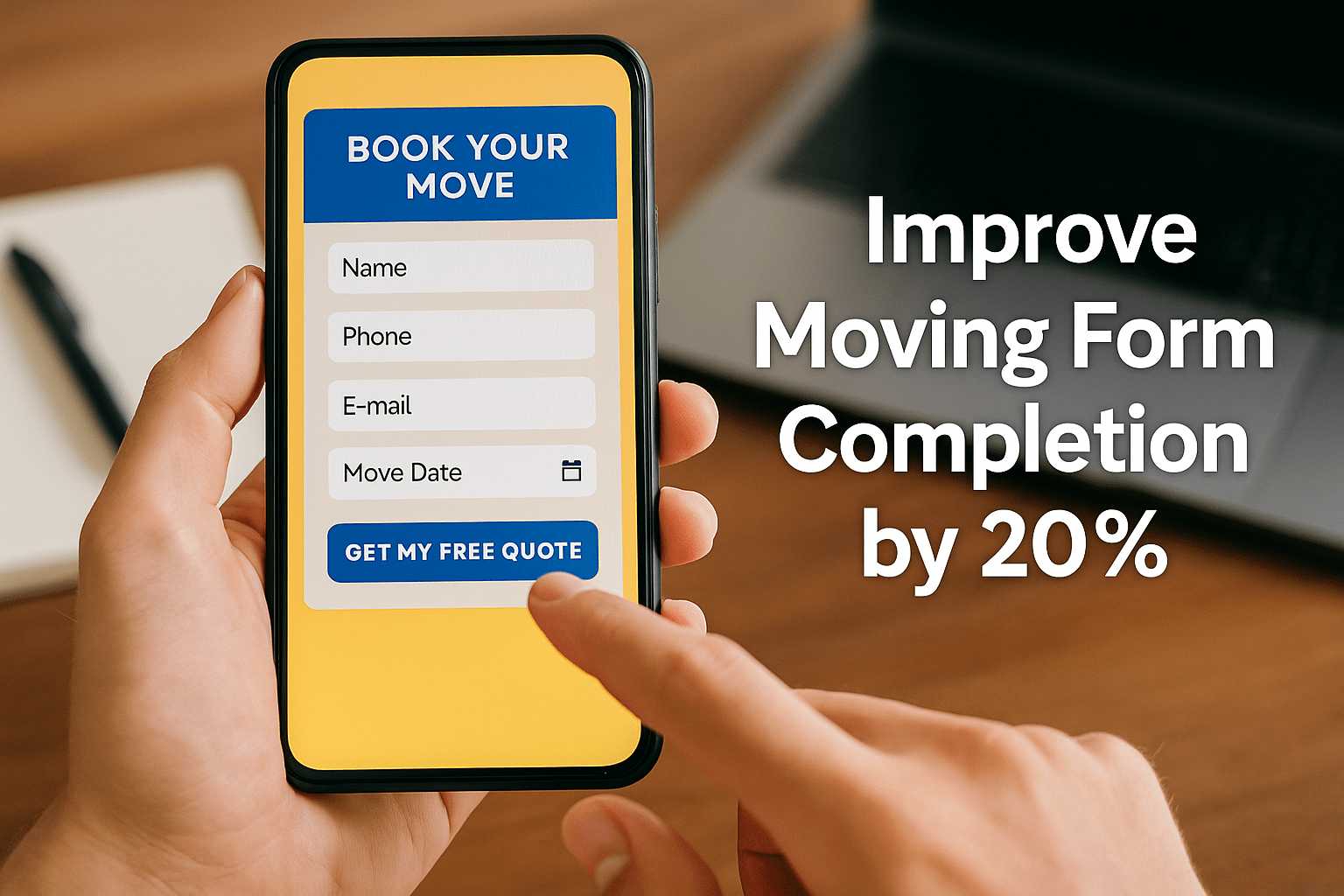
Booking Form Tweaks: Improve Your Conversion by 20%
You can have the best-looking moving website in your city — but if people visit and leave without filling out your form, you’re losing business.
For most customers, booking a mover starts online. They want quick answers, clear steps, and reassurance that their information is safe. A complicated or slow booking form can send them straight to your competitors.
The good news? With a few smart booking form tweaks, you can turn casual visitors into ready-to-book leads — often boosting conversions by 20% or more.
At Best Moving Leads Providers, we’ve seen small changes in booking forms turn into big gains in lead volume and sales. Here’s how you can do it too.
Why Form Design Matters More Than You Think
Your booking form is where curiosity turns into commitment. It’s the bridge between a visitor thinking “Maybe I’ll get a quote” and actually contacting your business.
The psychology is simple:
- If the form looks long, confusing, or unsafe, people abandon it.
- If it’s short, trustworthy, and fast, they complete it.
Even small changes — like showing customer reviews or using familiar brand colors — make visitors feel confident they’re in the right place. A good form removes hesitation and makes taking action effortless.

The Power of Instant Quotes
In the moving industry, speed wins.
When people are comparing movers, they want a price estimate right away — not hours later. That’s why adding an instant quote calculator is one of the most effective booking form upgrades you can make.
Here’s why it works:
- It gives potential customers transparency and control.
- It filters out people who aren’t serious about booking.
- It positions your company as responsive and professional.
When visitors can see an estimated cost immediately, they’re much more likely to finish the form instead of leaving your site to check another company.
5 Proven Booking Form Tweaks That Increase Conversions
You don’t need a full redesign — just smart, focused improvements. Here are the top five tweaks that consistently deliver results:
1. Keep It Short and Focused
Ask only for what’s essential — name, phone, email, and a few move details. Long forms feel like a chore, especially on mobile devices.
If you need more information, use multi-step forms (like “Step 1: Move Details,” “Step 2: Contact Info”). Breaking it up makes the process feel faster and less overwhelming.

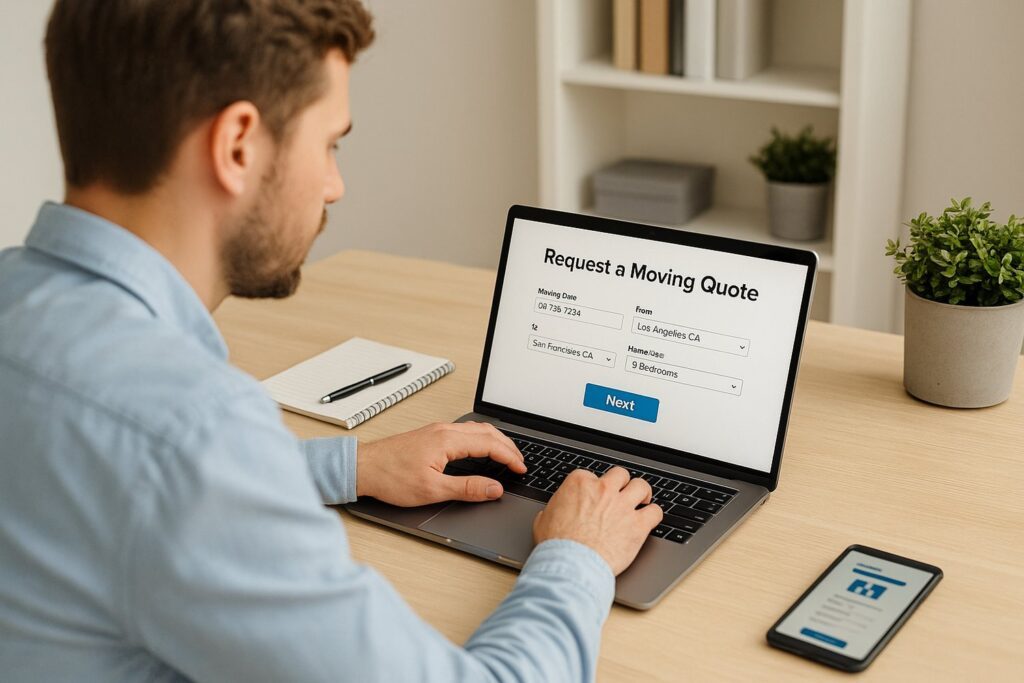
2. Add an Instant Quote Calculator
Customers want to know, “How much will this cost me?” right away.
An instant quote calculator gives them a fast estimate based on distance, size, or services — keeping them engaged and confident in your transparency. These tools don’t just increase conversions — they also pre-qualify leads, so your team spends less time chasing non-serious inquiries.
3. Make It Mobile-Friendly and Fast
Most people looking for movers are searching on their phones, not desktops.
That means your form should:
- Load quickly (under 3 seconds).
- Use big, easy-to-tap buttons.
- Include auto-fill and dropdown options to save time.
A slow or clunky mobile form can destroy conversions. Optimizing for mobile use ensures every visitor has a smooth experience — and that’s what gets forms completed.
4. Build Trust Into the Form
People hesitate when they’re unsure if their information is safe or if your company is legit. Build trust directly into your form:
- Add Google star ratings or a “Trusted by 500+ Families” line.
- Include a short privacy statement like “We never share your details.”
- Display security icons or badges (SSL lock, verified payment logos).
- Use consistent colors and branding across the page.
When users feel safe and confident in your company, they’re far more likely to hit “Submit.”
5. Integrate with CRM and Automation
The moment a form is submitted, time starts ticking. If you don’t follow up fast, your lead will move on.
Connecting your form to a CRM (Customer Relationship Management) tool ensures:
- Every inquiry is logged instantly.
- Automated confirmation emails or texts are sent right away.
- Your team gets notifications to follow up within minutes.
Automation bridges the gap between a filled-out form and a booked job — saving time and improving close rates.
Test, Measure, and Improve
Once you’ve made these tweaks, don’t stop there.
Run A/B tests to see what works best — for example:
- Compare “Get My Free Quote” vs. “Request a Moving Estimate.”
- Try different field orders or button colors.
- Measure how many people drop off before finishing the form.
Small data-driven changes add up to huge improvements over time.
Mistakes to Avoid
When optimizing booking forms, avoid these common pitfalls:
❌ Asking for too much info too early.
❌ Ignoring mobile users.
❌ Leaving follow-up to manual responses.
Even a 1-second delay or an extra question can cause a potential customer to leave.
Make Small Tweaks, See Big Results
Your booking form might seem like a small part of your website, but it’s the most powerful conversion tool you have.
By shortening the process, adding instant quotes, improving trust signals, and automating follow-ups, you can easily lift conversions by 20% or more.
That means more leads, more booked jobs, and more revenue — all from small, smart improvements.
At Best Moving Leads Providers, we help movers attract high-quality leads and design websites that convert them into paying customers. If you’re ready to turn your traffic into real jobs, contact us today for the best moving leads and conversion-ready strategies.