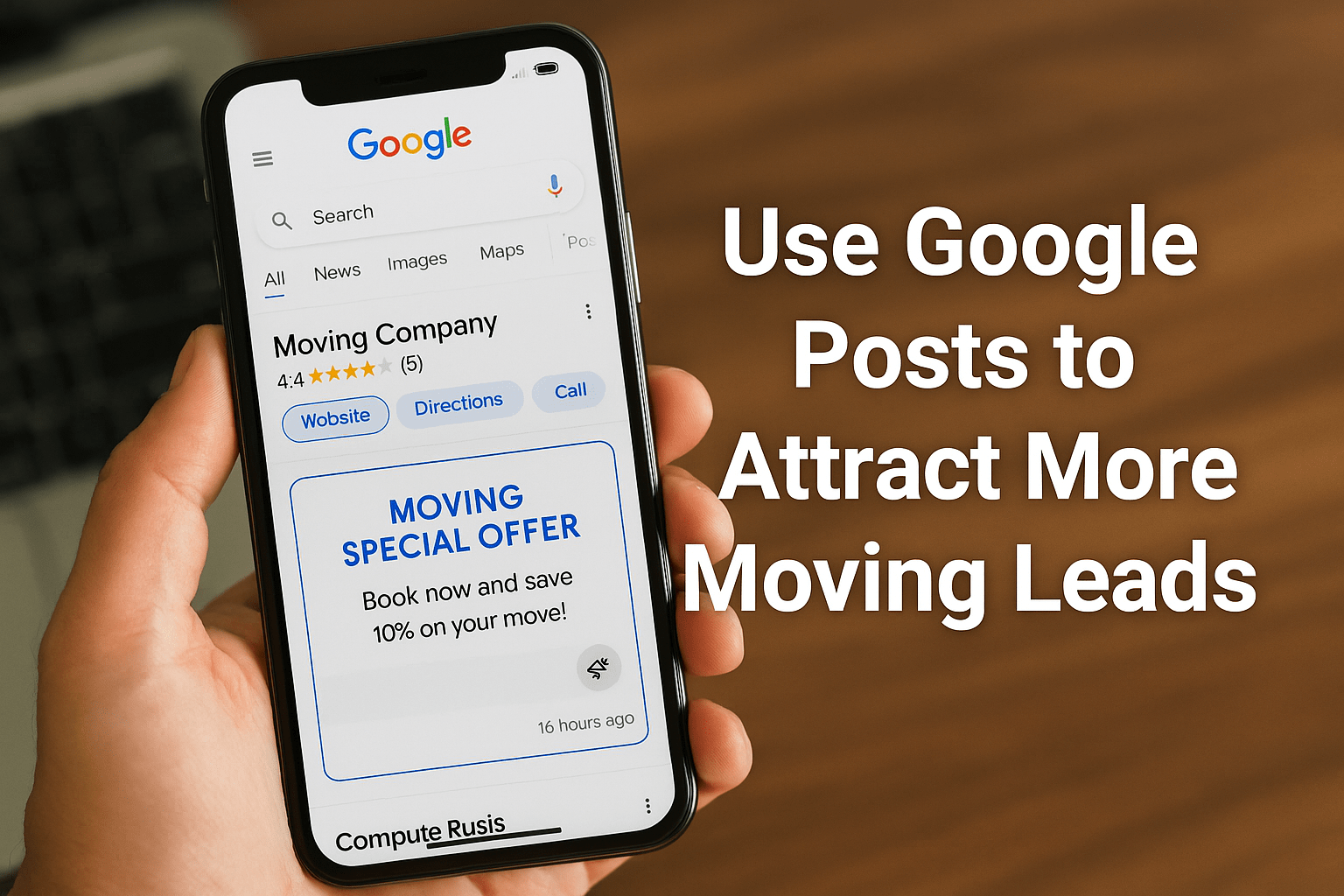
How to Use Google Posts to Attract More Moving Leads
Many moving companies pour money into Facebook ads, Yelp listings, and Google Ads — yet overlook one of the most powerful free tools available: Google Posts.
These short updates appear directly in Google Search and Maps when people look for your business or search for movers in your area. In other words, they show up right where customers are ready to take action.
With consistent, well-planned Google Posts, you can boost your visibility, build trust, and bring in more moving leads — without spending a dime.
What Are Google Posts and Where Do They Show Up?
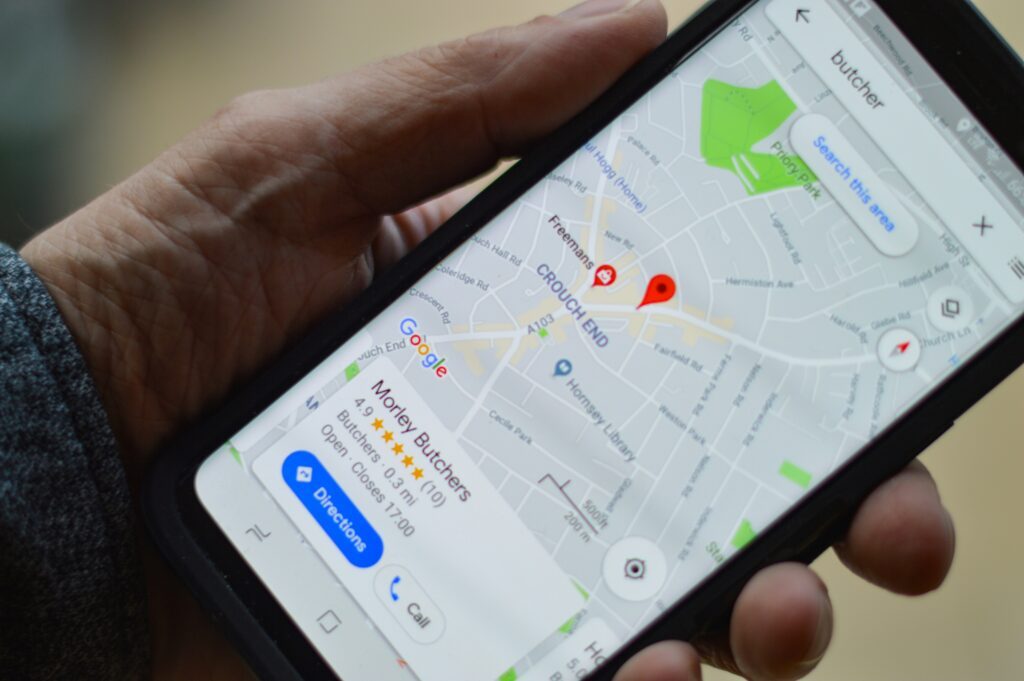
When someone searches for your company or “movers near me,” your Google Business Profile (GBP) appears on the right side of the search results (or at the top on mobile).
That profile includes business info like hours, reviews — and your Google Posts.
Think of this space as your digital storefront window — the perfect place to show potential customers why they should choose you.
There are four main types of Google Posts:
- Updates: Announcements, news, or general info (like “Now serving new areas!”).
- Offers: Promotions, discounts, or time-limited deals.
- Events: Special happenings, such as weekend sales or community sponsorships.
- Products: Ideal for highlighting services like packing, storage, or long-distance moves.
Posts stay active for up to six months, but Google typically highlights your most recent ones — so staying consistent and current matters.

Why Google Posts Are a Game-Changer for Movers
For local moving companies, Google Posts are like free mini-ads that appear right where your audience is searching. Here’s how they help:
1. Boost Local Visibility
Google rewards active business profiles. Posting weekly signals to Google that your company is engaged — improving your chances of showing up in the Local Pack (the top three map results).
2. Build Customer Trust
A profile that hasn’t been updated for months looks inactive. Fresh posts show that you’re open, active, and trustworthy — exactly what potential customers want to see before booking.
3. Create Urgency with Timely Offers
Use Google Posts to remind customers when availability is limited. For example:
“Only 2 weekends left this month — book now and save 10%!”
These short, time-sensitive updates encourage quick action from customers comparing multiple movers.
4. Drive Direct Leads
Every Google Post includes call-to-action buttons like “Call Now,” “Get Quote,” or “Book Online.” These guide people straight from search results to your booking page — cutting out extra steps and improving conversions.
The Best Google Post Ideas for Moving Companies
Here are some proven post types that consistently attract more moving leads:
🏷️ Limited-Time Offers
Examples:
- “Book by June 30 and get 10% off packing services.”
- “Free moving boxes for weekend bookings!”
Deals like these give customers a reason to act fast and choose you over competitors.
🌞 Seasonal Reminders
Moving demand changes throughout the year — remind people early.
“Summer weekends are filling fast — reserve your move today!”
Seasonal updates make your company look proactive and in tune with customer needs.
🏢 Company Updates & Behind-the-Scenes Posts
Show that your company is active and growing. Post about:
- New trucks or team members
- Awards or certifications
- Expanded service areas
Customers love seeing the real people behind the brand.
⭐ Customer Reviews
Turn your best Google reviews into content that sells:
“⭐⭐⭐⭐⭐ ‘Best move ever! Fast, professional, and affordable.’ – Sarah D.”
Adding real reviews to posts builds credibility instantly — and helps convert hesitant customers.
How to Write Effective Google Posts
To get the most out of your posts, follow these best practices:
✅ Use real photos – Show your trucks, team, or happy customers. Avoid generic stock images.
✅ Keep it short – 150–300 characters is perfect for both desktop and mobile.
✅ Add a clear CTA – Always end with an action: “Call Now,” “Book Online,” or “Get a Quote.”
✅ Post weekly – Stay consistent so your business always looks fresh and active.
If you struggle to keep up with posting, you can use AI tools or content planners to help you generate ideas and stay on schedule.

How to Track Results from Google Posts
Like any marketing effort, success depends on measurement.
To track engagement and conversions from your Google Posts:
- Add UTM tracking links (e.g.,
?utm_source=google&utm_medium=post&utm_campaign=winter_promo) so you can see which posts drive traffic and bookings in Google Analytics. - Use your Google Business dashboard to track metrics such as post views, button clicks, and calls.
Over time, you’ll see what type of content gets the most engagement — and double down on what works.
Avoid These Common Mistakes
❌ Using stock images: They look fake and reduce trust.
❌ Leaving outdated posts up for months: Keep things fresh.
❌ Being overly salesy: Focus on customer value, not hype.
❌ Skipping CTAs: Don’t assume people will find your site — guide them.
How Best Moving Leads Providers Can Help
Most movers don’t have time to write, design, and post every week — and that’s okay.
At Best Moving Leads Providers, we help movers manage their Google Business Profiles and Google Posts to:
- Stay active and rank higher in local search
- Post content that feels authentic and drives clicks
- Align posts with peak moving seasons for better lead flow

Wrapping Up: Use Google Posts to Attract More Moving Leads
Google Posts are one of the simplest, free marketing tools movers can use to reach local customers right when they’re searching.
A few consistent updates per week can make a huge difference — improving visibility, building trust, and driving more calls and bookings.
If you want help creating a steady stream of quality moving leads and setting up a content plan that works, contact Best Moving Leads Providers today — and start getting noticed by customers who are ready to move.