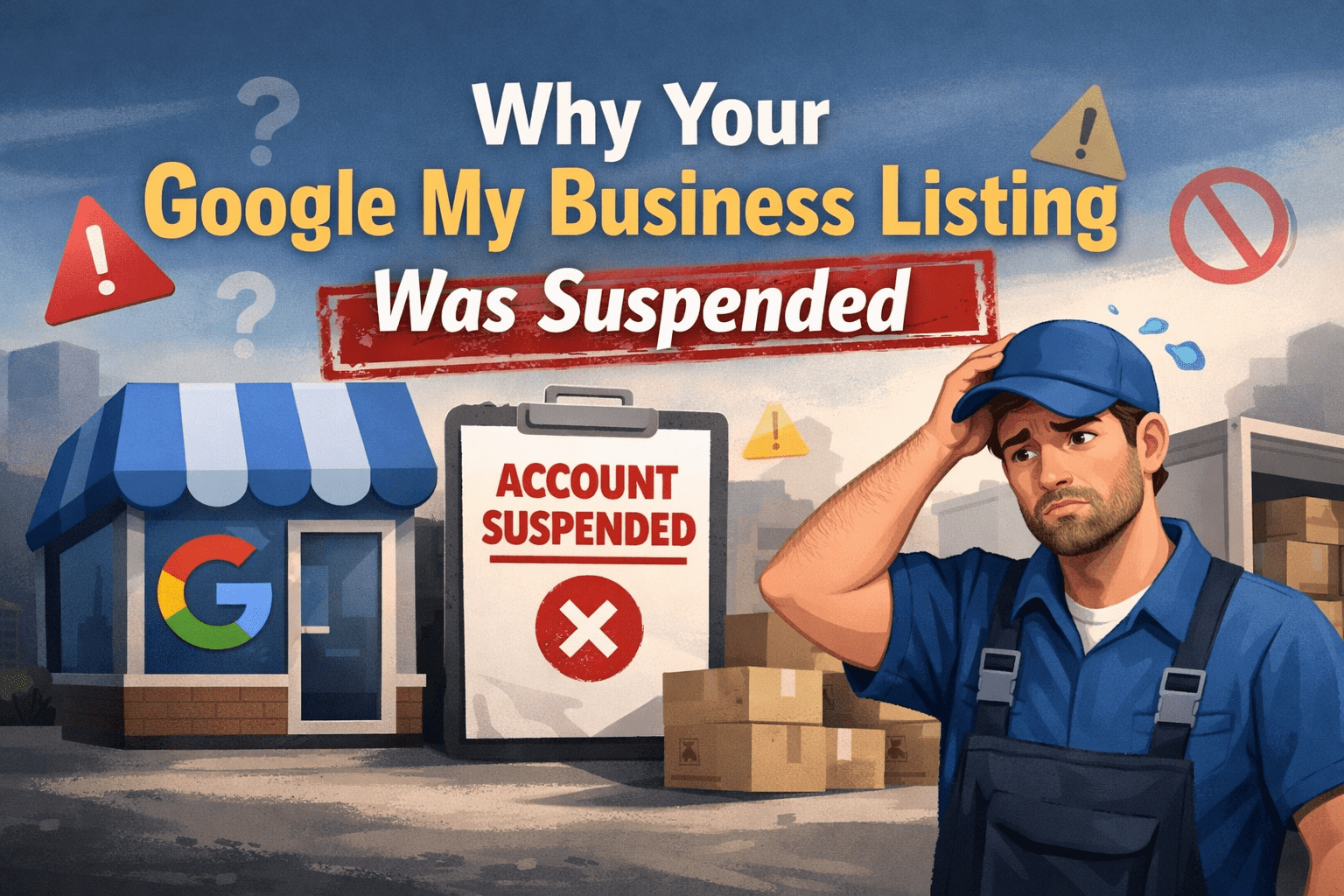
Why Your Google My Business Got Suspended (and How to Fix It)
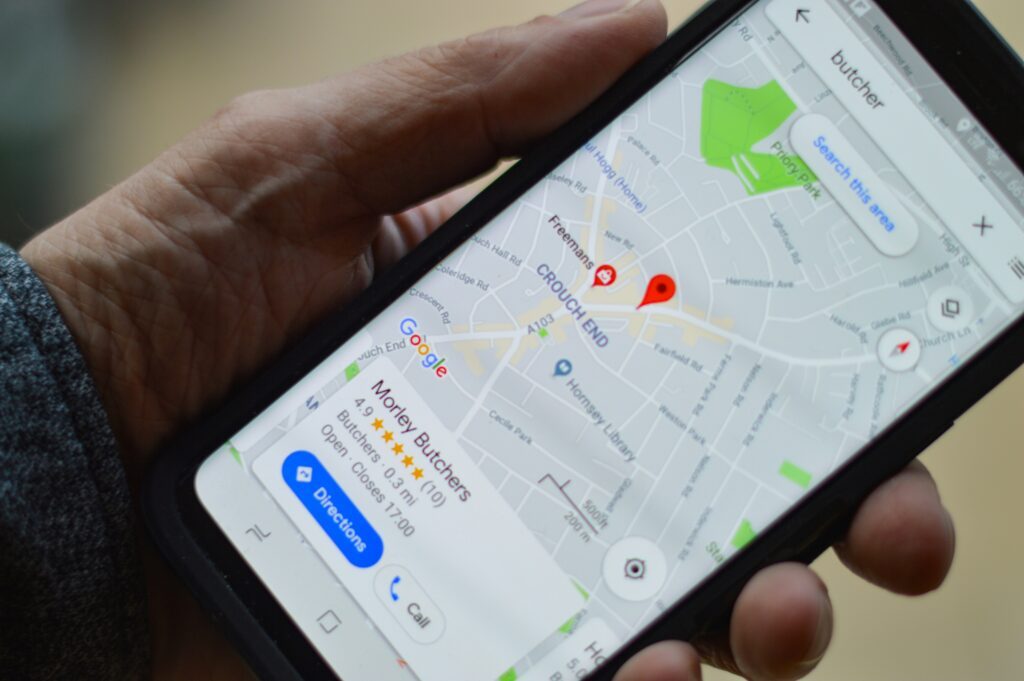
For moving companies, Google Business Profiles (GBP) are an essential digital marketing tool. They boost your local visibility, help customers find and contact you easily, and strengthen your credibility through reviews and insights.
But what happens when your profile suddenly disappears from search results or maps? A Google Business Profile suspension can instantly impact your bookings and lead flow.
Understanding why suspensions happen, and how to prevent or resolve them, is crucial for keeping your business visible and trustworthy online.
Why Does Google Suspend Business Profiles?
Google enforces strict guidelines to ensure accurate, trustworthy business information for users. When companies violate these rules, even unintentionally, profiles can be flagged or suspended.
1. False or Low-Quality Information
If your profile contains inaccurate or incomplete details, Google may suspend it. Examples include:
- Incorrect address, phone number, or service area
- Misleading or vague business descriptions
- Duplicate listings for the same location
Google’s goal is to ensure users get accurate and consistent information. Even small errors can trigger algorithmic reviews.
✅ Pro tip: Regularly check your NAP (Name, Address, Phone) consistency across your website, directories, and GBP.
2. Black-Hat SEO or Spammy Behavior
Google’s systems detect manipulative SEO tactics that artificially boost rankings. Common violations include:
- Keyword stuffing in business names or descriptions
- Fake or paid reviews
- Creating multiple GBPs for the same location
These behaviors can quickly result in suspension. Instead, focus on authentic engagement and ethical SEO practices that build long-term trust.
3. Quality and Credibility Issues
Google’s top priority is providing users with high-quality, reliable business listings. Low-quality content or outdated details can cause your profile to be flagged.
That includes:
- Incorrect business hours
- Outdated service descriptions
- Poor-quality or irrelevant photos
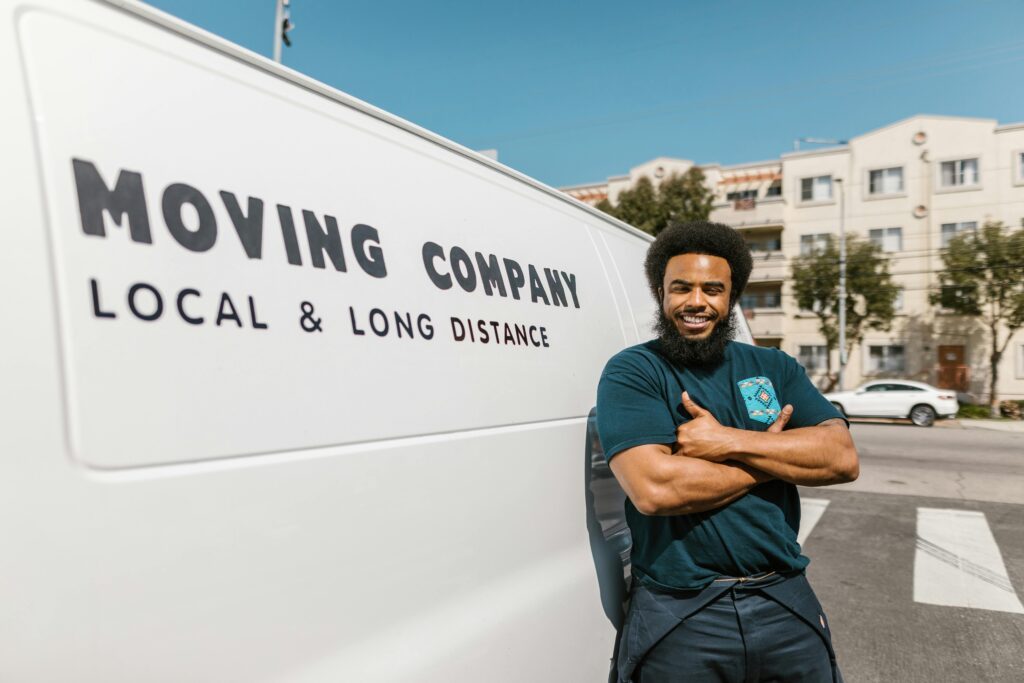
Keep your content fresh and visually appealing. Upload real photos of your trucks, team, and moving process, not stock images. These visual cues build authenticity and attract clicks.
4. Suspicious or Fraudulent Activity
Google monitors unusual behaviors that indicate manipulation, such as:
- A sudden spike in reviews from new or duplicate accounts
- Multiple listings under one address
- Multiple logins from unknown devices or countries
If your company operates in several cities, each location needs its own verified profile. Avoid creating duplicates under slightly different names, this confuses customers and Google alike.
5. Ownership or Verification Problems
Unverified or incorrectly managed profiles are high risk. If your business hasn’t completed verification or if ownership changes aren’t updated, Google might suspend the listing to prevent misuse.
Make sure to:
- Complete Google’s postcard or document verification promptly
- Keep ownership info current
- Review user access regularly to prevent unauthorized edits
How to Prevent a Google Business Profile Suspension
1. Follow Google’s Guidelines
Before making any changes, review Google’s official guidelines for business profiles.
Avoid keyword stuffing, inaccurate listings, or exaggerated claims. Adherence to these rules protects your profile from algorithmic penalties.
2. Maintain Accurate, Consistent Information
Keep your GBP details updated — phone, address, business hours, and services.
Consistency across your website, social media, and directories improves your credibility and rankings.
3. Manage Reviews Responsibly
Encourage real customer reviews and respond to them regularly.
When dealing with negative feedback, reply professionally and show genuine effort to resolve the issue.
Authentic engagement boosts your visibility and helps you build lasting trust with potential clients.
4. Verify Ownership and Keep It Current
Verification is non-negotiable. If you move offices or update your contact details, re-verify immediately.
Unverified or outdated listings are among the most common reasons for suspension.
5. Post High-Quality Content
Use your GBP like a mini-website:
- Share moving tips, promotions, or recent jobs
- Add original team photos and videos
- Highlight special offers or local partnerships
High-quality, relevant content helps you stay visible — and reduces the risk of being flagged for inactivity or low-quality engagement.
What to Do If Your Google My Business Gets Suspended
- Identify the reason — Review the suspension email and compare your listing with Google’s guidelines.
- Fix the issue — Update incorrect information, remove duplicate listings, or edit spammy content.
- Submit a reinstatement request — Provide proof of legitimacy, such as your business license, photos of signage, or utility bills showing the business address.
- Be patient — Reinstatement reviews can take a few days to a few weeks.
If you’re unsure where the issue lies, professional help from a digital marketing team can save time and restore your listing faster.
Avoid Pitfalls and Stay Visible
A suspended Google Business Profile doesn’t mean permanent loss, but it is a wake-up call. By maintaining accuracy, avoiding spam tactics, verifying ownership, and keeping your content high-quality, you’ll stay in Google’s good standing.
Your GBP is one of the most powerful tools for generating local moving leads. Protect it by staying compliant, responsive, and transparent, and you’ll continue attracting customers who trust your brand.